
Porcelain Tile Visualiser: Test Finishes in a 3D 360 Room Before Installing
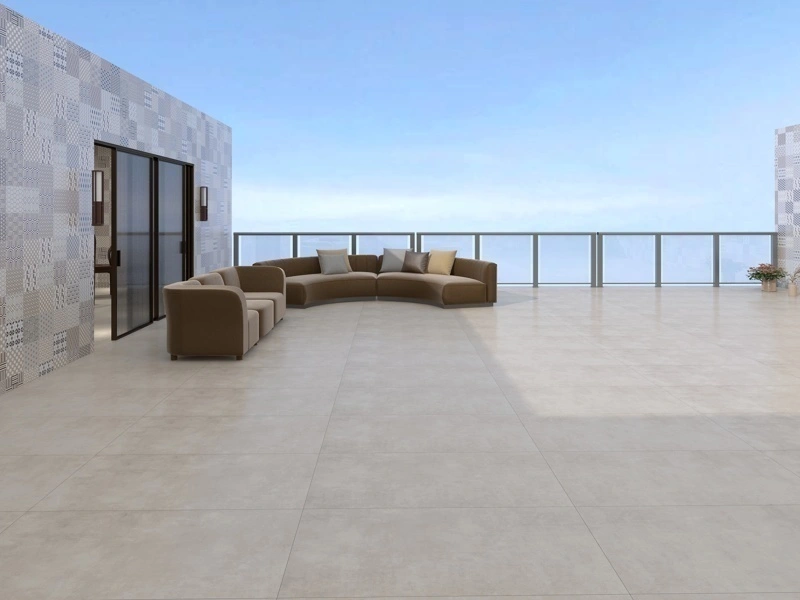
A porcelain tile visualiser helps you choose the right porcelain finish without relying on tiny samples or guesswork. Preview how matte, polished, and textured porcelain looks across a full room, then decide with confidence before ordering and installation.
Apply Porcelain Tiles on a 3D, AI-Based 360 Scene
Our browser-based porcelain tile visualiser lets you apply tiles directly onto a 3D 360 model of a space. As you rotate the view, the tile placement stays aligned with surfaces and perspective, so walls, floors, corners, and feature areas look natural from every angle.
Compare Size, Pattern, and Orientation
Porcelain comes in many formats: large slabs, planks, and patterned tiles. Use the porcelain tile visualiser to test layout direction, grout contrast, and pattern flow to see what reads calm and premium versus busy and noisy - especially in open-plan rooms.
Export Realistic JPGs for Approvals
Once you have the look locked in, export a realistic JPG with the porcelain tiles attached to the room surfaces. These images are ideal for client approvals, internal sign-off, and making sure everyone is aligned on the selected finish and layout.
Web-Based Workflow: No Installation Required
Because the porcelain tile visualiser runs in the browser, you can start instantly. Apply tiles, rotate the 360 scene, refine the look, and export JPGs without installing any software.