
Laminate Visualizer: Preview Wood-Look Floors and Choose the Right Tone With Confidence
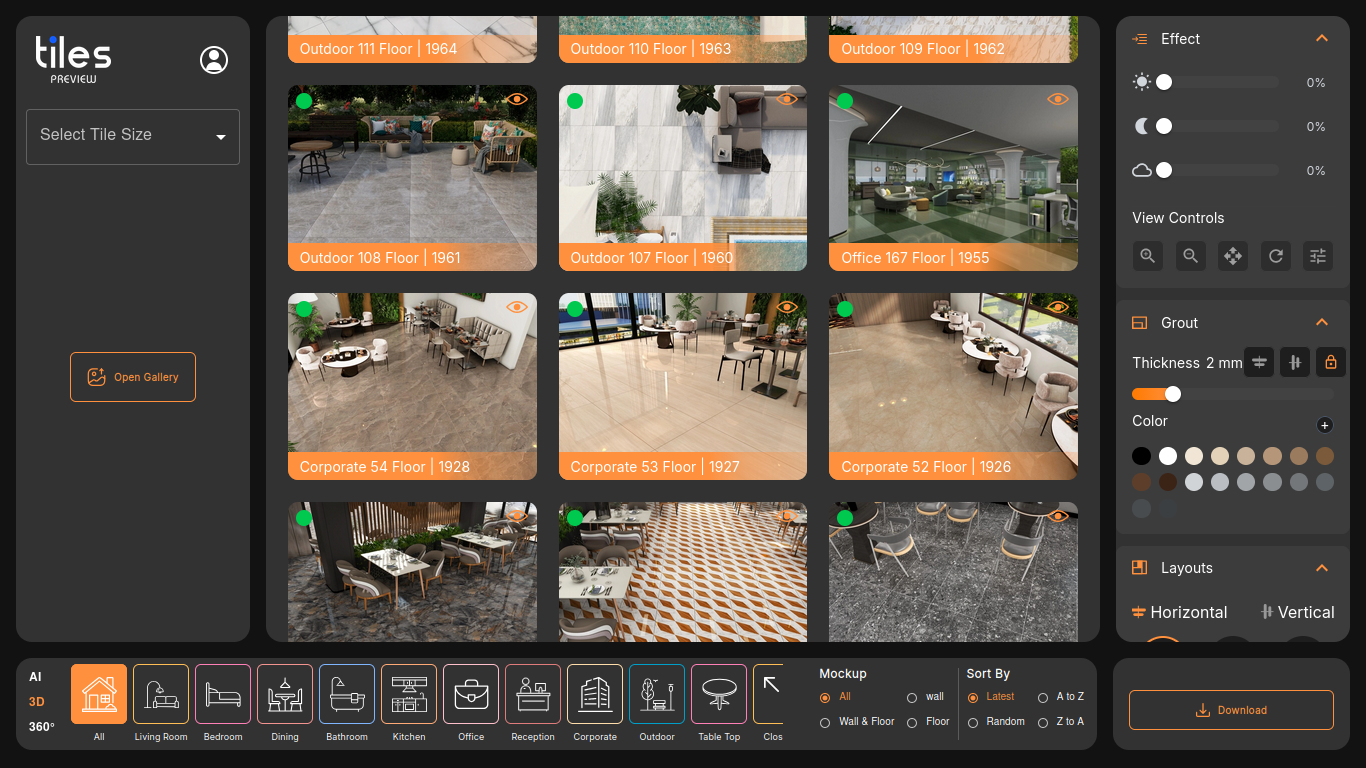
A laminate visualizer helps you choose the right wood-look floor by previewing the finish inside a realistic room view. Because laminate and wood-look surfaces vary widely in undertone, grain, and plank size, visualization reduces the trial-and-error that often happens between samples and final installation.
The Biggest Laminate Mistakes (And How to Avoid Them)
Choosing the Wrong Undertone
Two “oak” floors can feel completely different: one may lean honey-warm, another may lean gray. A laminate visualizer helps you compare undertones next to your wall paint, cabinetry, and furniture.
Plank Direction That Fights the Room
Direction changes how a space feels. Running planks along the longest sightline can make a room feel larger, while the wrong direction can make a room feel chopped up. Previewing direction before installation prevents expensive rework.
Too Much Pattern Repetition
Some floors repeat the same grain image, which can look artificial across big areas. Room-scale previews help you spot repetition early and choose a more natural-looking finish.
How Tiles Visualizer Fits Laminate-Style Decisions
Even if your final choice is a laminate or wood-look surface, you still need a clear, shareable preview. Tiles Visualizer provides realistic room visualization and JPG exports, so homeowners, designers, and installers can align on the same floor look before installation begins.
Laminate Visualizer Checklist Before You Buy
Test Warm vs Cool Tones
Preview two or three options in the same room image to quickly eliminate tones that clash with the rest of your palette.
Validate Floor-to-Wall Contrast
Ensure the floor does not blend into the walls or fight the cabinetry. The “right” contrast often depends on your lighting and the amount of natural daylight.
Get Fast Approvals
Export a JPG preview and share it for stakeholder approvals, especially for rental properties, offices, and multi-room projects.
Frequently Asked Questions
Is a laminate visualizer useful for wood-look porcelain tiles too?
Yes. The same workflow helps you compare tone, plank size, and direction when specifying wood-look tile floors.
Where can I try it?
Use Tiles Visualizer at ai.tilepreview.com and export JPG previews for easy sharing.