
Best Kitchen Visualizer: See Tile Choices in a Photorealistic 3D 360 Scene
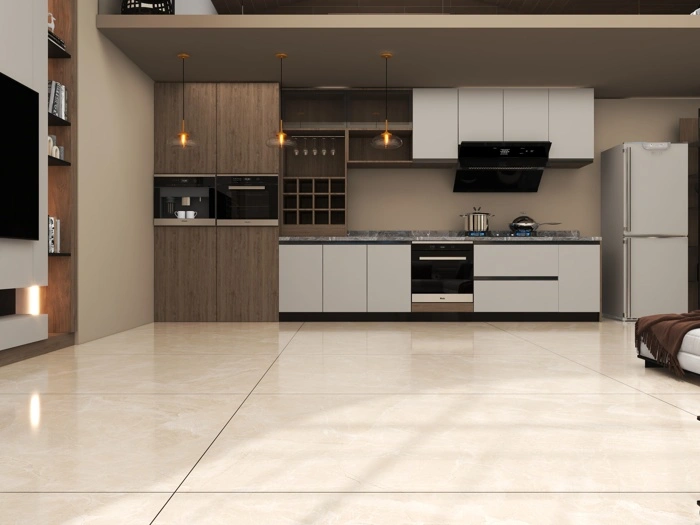
The best kitchen visualizer is the one that lets you make confident decisions without guesswork. Instead of relying on small samples, you can apply tiles onto a lifelike kitchen scene, rotate the view, and confirm how finishes look on floors, backsplashes, and feature walls before you buy.
Preview Floors and Backsplashes in 3D
Kitchen choices are interconnected: a backsplash that looks perfect can clash with the floor once you see both together. A best kitchen visualizer should let you test combinations across the whole space so you can balance cabinets, counters, and tile finishes in one consistent view.
AI-Based 360 Scenes for Realistic Perspective
Our browser-based best kitchen visualizer uses a 3D, AI-based 360 scene so tile placement stays aligned to surfaces and perspective as you explore the room. That makes it easier to judge scale, pattern flow, and grout contrast around corners, islands, and sink zones.
Compare Layout Direction and Grout Contrast
Switch between horizontal and vertical layouts, test different tile sizes, and adjust contrast to see what feels clean versus busy. The best kitchen visualizer helps you catch these design details early, reducing expensive changes later.
Export Realistic JPGs for Sharing
Once you finalize your kitchen look, export a realistic JPG with the tiles attached to the surfaces. These exports make it simple to share a clear proposal and align decisions across homeowners, designers, and showroom teams.